
Familiar tools. More value.
Work in Microsoft Excel with guided workflows and built-in dashboards. Use your existing compatible Excel license—no additional GRC software subscription required.
PRACTICAL GOVERNANCE, RISK & COMPLIANCE
Turn scattered risks, security gaps, and compliance tasks into a clear plan. Practical toolkits built with Microsoft tools, backed by expert guidance for businesses ready to move forward.
Start with a toolkit. Add expert support when you need it.PRACTICAL GRC, BUILT AROUND YOUR TEAM
Move from scattered information to clear priorities—with structured Excel toolkits that work with your resources, without another platform to manage.
Work in Microsoft Excel with guided workflows and built-in dashboards. Use your existing compatible Excel license—no additional GRC software subscription required.
Choose local storage or your organization’s Microsoft 365 environment. No requirement to upload your assessment or risk data to a separate GRC platform.
No separate toolkit account, API connections, or system integrations required. Download your toolkit, set your scope and owners, and start working.
Built-in calculations and clear reporting help you prioritize gaps, assign ownership, and track follow-up. Your team stays in charge of risk decisions.
Start independently, or add focused guidance to help your team interpret findings and move forward.
Compatible Microsoft Excel required; Microsoft licenses are not included. Features and requirements vary by toolkit. You manage file access, sharing, and backups.
Choose the workflow that fits your next priority. Each toolkit includes practical workbooks and supporting guidance.
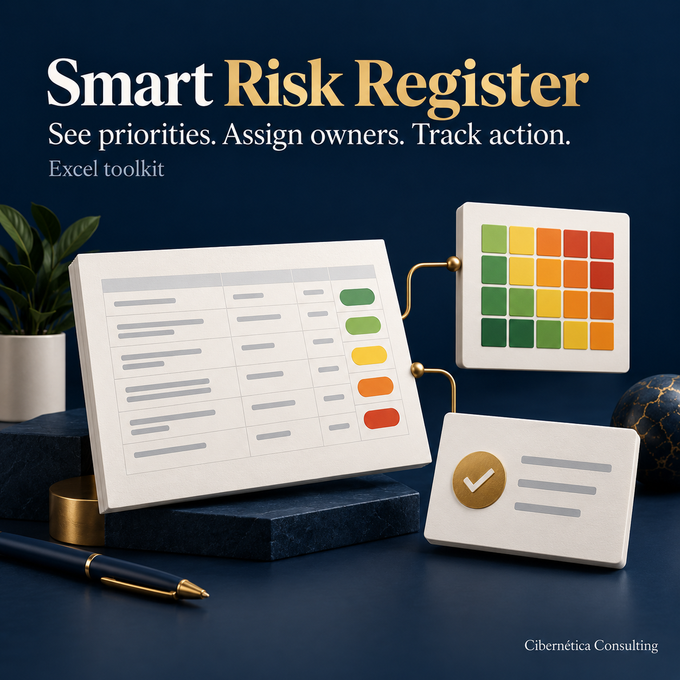
Know which risks need attention, who owns them, and what happens next. Give leadership a clear view of your decisions and follow-up.

Make vendor decisions with a consistent view of risk. Keep due diligence, review findings, and follow-up organized in one workflow.

Find where your security practices stand and what to improve first. Turn assessment answers into a clear, manageable action plan.

See what needs attention before a SOC 2 examination. Organize your scope, evidence, and remediation so your team knows where to focus.
Comprehensive toolkits, packaged for a better starting point. Save compared with buying each toolkit separately.

Understand your security gaps and manage the risks behind them.

Connect vendor findings with your wider risk decisions and follow-up.
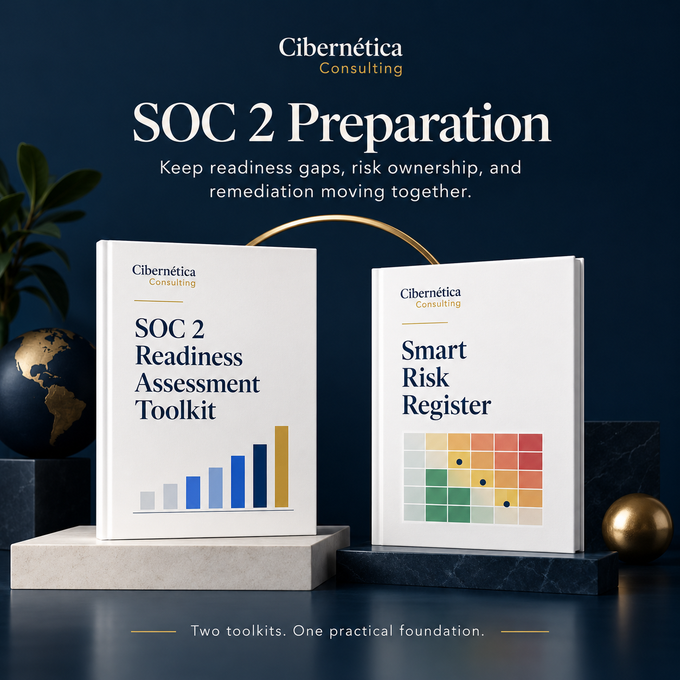
Keep readiness gaps, risk ownership, and remediation moving together.

Build a consistent approach to security, vendor risk, and SOC 2 preparation.
EXPERT SUPPORT, AT YOUR PACE
Get help interpreting findings, building the right practices, and keeping work moving. Choose a focused engagement or ongoing support.
Make sense of your assessment and choose practical next actions. A lighter starting point with limited evidence review.
A guided review of your completed toolkit, focused on understanding your baseline and choosing your next actions.
Understand what preparation involves and where your current practices need attention before a formal examination.
Go deeper with interviews, agreed evidence, and a prioritized remediation roadmap.
Understand your gaps and prioritize remediation using agreed evidence.
Understand your gaps and prioritize remediation using agreed evidence.
Bring in the right support for a specific task, document, or decision.
Start using your toolkit with a workflow your team understands.
Give customers accurate, evidence-backed answers during procurement.
Understand a vendor’s risk before making an approval decision.
Turn an initial risk list into clear priorities, ownership, and treatment decisions.
Give your team practical rules that reflect how your business operates.
Make responsibilities, operating steps, and evidence expectations clear.
Help your team apply GRC practices in their day-to-day work.
Turn recommendations into working practices, clear ownership, and a usable handoff.
Replace scattered processes and documents with a working foundation.
Connect your security baseline, key risks, and first priorities into one plan.
Give your team a repeatable way to decide which vendors need closer review.
Move from readiness findings to a focused preparation plan and essential documentation.
A consistent rhythm for decisions, maintenance, and reporting. Monthly hours and responsibilities are agreed before work begins.
A regular sounding board for decisions, priorities, and light document review.
Risk updates, evidence follow-up, compliance calendar, and monthly status reporting.
Maintenance plus vendor reviews, questionnaire work, and stakeholder coordination.
Program leadership, management reporting, audit liaison, and prioritized delivery.
CLARITY BEFORE COMPLEXITY
Good governance connects the work to a decision. We help you focus on the risks that matter, keep evidence organized, and create practices that fit your business.
Find the right level of support for your current priorities and resources.
Connect findings to practical actions, responsible people, and follow-up.
Work with straightforward tools and guidance that your team can maintain.
Downloadable workbooks built with Microsoft Excel, plus the included supporting guidance and documents in a ZIP package. Exact contents and software requirements are listed on each product page. Digital delivery follows a completed purchase.
A compatible version of Microsoft Excel with calculation enabled. If your organization already has a suitable Excel license, you can use it; Microsoft licenses are not included. No additional GRC software subscription is required. Review each product’s requirements before buying. Other spreadsheet applications may not preserve every feature.
No. Readiness reviews and gap assessments identify findings and next actions. They do not issue certification, a SOC 2 report, or an audit guarantee. Formal examinations are separately arranged.
Start with a scope discussion. We confirm deliverables, responsibilities, fees, and timing in writing before work begins. Monthly support is a scoped engagement rather than an automatic product subscription.
Yes. Toolkit onboarding and focused services can help you interpret the workflow and adapt the work to your team. Ask about the support that best fits your priorities.
You choose where to save your files: locally or in your organization’s Microsoft 365 environment, such as OneDrive or SharePoint. The toolkits do not require you to upload assessment or risk data to Cibernética or another GRC platform. Cloud storage and sharing depend on the services and settings you choose. Your organization manages access, sharing, and backups.
No separate toolkit account, API credentials, or system integrations are required for the core workbook workflows. Download and open the files, follow the included guidance, and define your scope, owners, and review process. Calculations and dashboards support your work; your team supplies the inputs, reviews the results, and makes the decisions.
Let's talk
Tell us what you are working toward. We’ll help you choose a practical place to start.
Discuss your priorities contact@ciberneticausa.com